
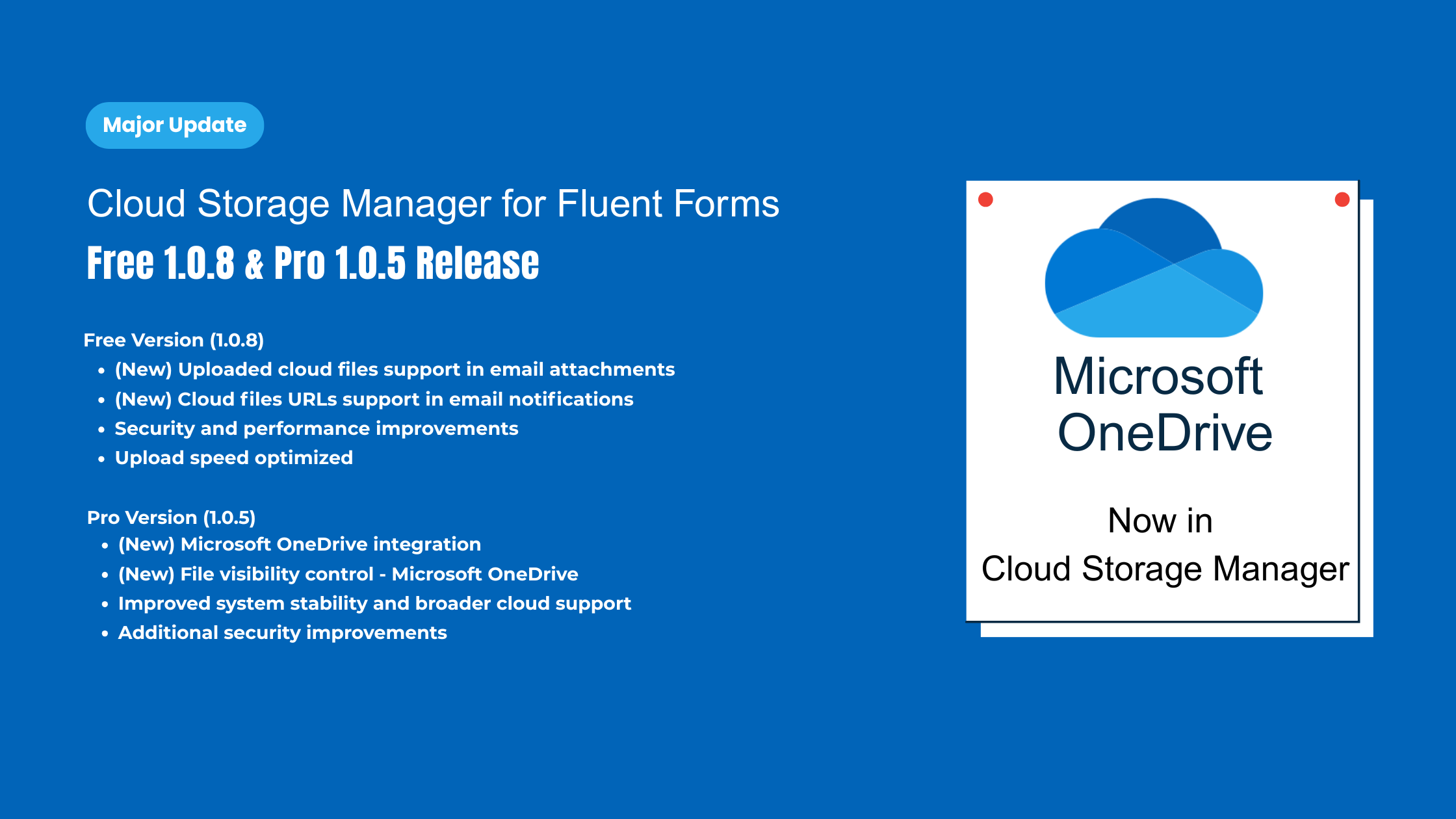
Cloud Storage Manager for Fluent Forms – Microsoft OneDrive is here

We’re happy to announce the latest updates for Cloud Storage Manager for Fluent Forms, introducing new capabilities, workflow improvements, and one of the most requested integrations—Microsoft OneDrive (Pro only).
This release includes:
- Free version: 1.0.8
- Pro version: 1.0.5
What’s New in Cloud Storage Manager (Free) – v1.0.8
Version 1.0.8 of the Free edition focuses on improving email workflows and overall usability.
Cloud File Links in Fluent Forms Email Notifications
From now, the email of Fluent Forms notifications will use the cloud files links! This works automatically—no extra settings or tweaks are required.
Attach Cloud Files to Email Notifications
Cloud-stored files can now be attached to Fluent Forms email notifications, making it easier to deliver files to admins or users without relying on server storage.
Improved Performance & Stability
Internal upload and notification logic has been optimized to ensure smooth processing without affecting form submission speed.
Cloud Storage Manager Pro – v1.0.5
The Pro release introduces Microsoft OneDrive integration, along with stability improvements and advanced storage control.
Microsoft OneDrive Integration (Pro Only)
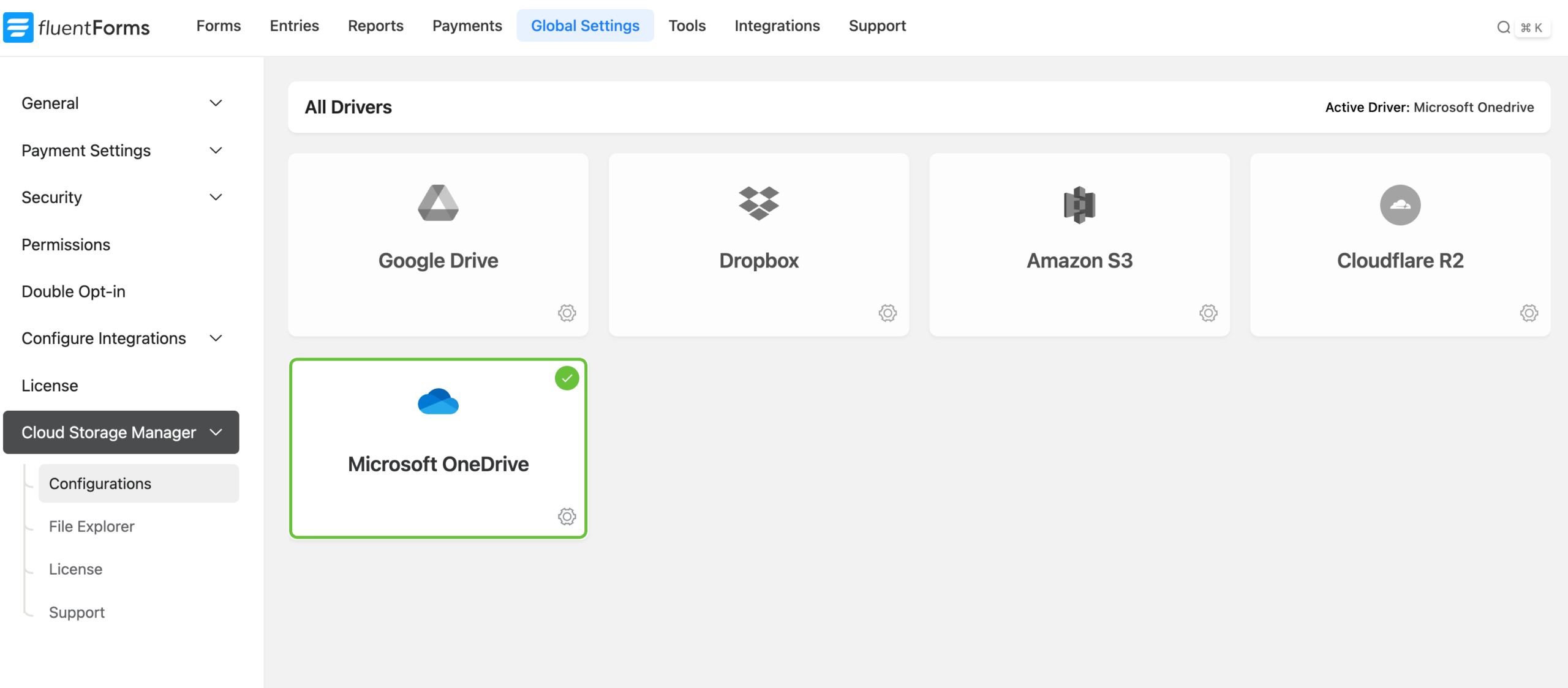
You can now connect Microsoft OneDrive personal account with Cloud Storage Manager Pro and automatically offload Fluent Forms file uploads to your OneDrive storage.
This integration is ideal for users operating within the Microsoft ecosystem and helps reduce server storage usage while keeping files securely stored in OneDrive.
Simple Azure-Based Connection
Setting up OneDrive is straightforward:
- Register your app in Microsoft Azure
- Generate the required credentials
- Connect OneDrive inside Cloud Storage Manager
- Start uploading files instantly
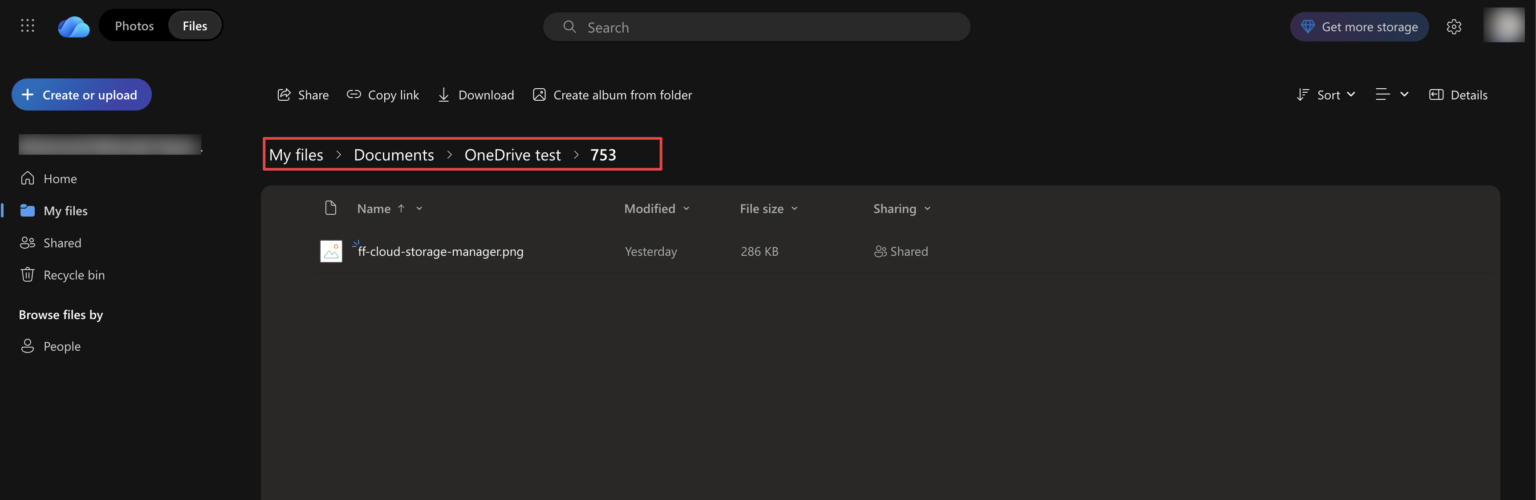
Detailed setup instructions are available in our documentation.
Improved Stability Across Cloud Providers
This release also includes backend improvements to ensure more reliable uploads and better compatibility with large files and high-volume form submissions.
Own Cloud Storage Manager forever with a one-time purchase
Why This Update Matters
With Free v1.0.8 and Pro v1.0.5, Cloud Storage Manager now offers:
- Better email notification handling
- Reduced reliance on WordPress server storage
- Seamless Microsoft OneDrive personal account uploads (Pro only)
- Improved performance and reliability
Whether you’re running a small site or managing large-scale form workflows, these updates give you more flexibility and control over file handling.
Update Instructions
Free Version (1.0.8)
- Go to Plugins → Installed Plugins
- Locate Cloud Storage Manager
- Click Update Now
Pro Version (1.0.5)
- Download the latest Pro package from your account dashboard
- Upload and replace the existing Pro plugin
- Verify your storage connections after updating
We recommend taking a full site backup before upgrading.
What’s Coming Next?
We’re actively working on more advanced features, including:
- Google Workspace Support
- Microsoft Business Account Support
- Client Facing file manager
- Deeper Fluent Forms integrations
- More enterprise-ready storage options
Stay tuned—more powerful updates are on the way.



Leave a Reply
You must be logged in to post a comment.